Test-driving Apache SOLR (part 1)

Friday, May 2nd, 2008

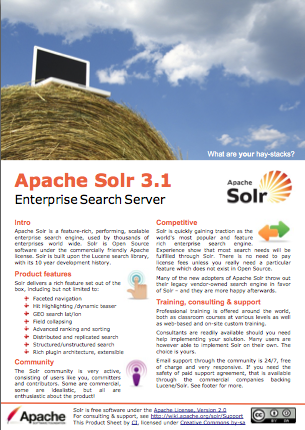
SOLR Logo white bgSome of you read my previous posts The state of open source search. I will in this post go through the process of downloading, installing, configuring and using Apache SOLR to index some sample XML data and search it.

This is the first post in a series, where each new post will explore some new feature. We will simply follow the tutorial to get SOLR up and running locally.

We start by visiting the SOLR Tutorial for the first steps, and simply get the app running:

  1. Check Java version, download SOLR (I chose this file), unpack it, and cd to apache-solr-1.2.0/example
  2. java -jar start.jar
  3. Visit http://localhost:8983/solr/admin/ to see the admin page with a simple test GUI
  4. Try hit the search button, you get the XML response back with 0 results
  5. Now try indexing some content. CD to example/exampledocs
  6. java -jar post.jar solr.xml monitor.xml
  7. Now try searching again and see that you get some hits!

For part two we will get SOLR running in a Tomcat instance, customize the schema a bit and present search results in a custom web page using the client API.

The state of open source search

Thursday, February 7th, 2008

Gnu logoOpen Source Software (OSS) and free software has been an alternative to commercial, licensed software for decades. Most known and successful are perhaps projects like GNU/Linux (licensed under the GNU General Public License, GPL), OpenOffice.org, Apache web server and MySQL. They have all managed to produce excellent, high-quality, stable software with an impressive wide-spread use. Other well known projects that are also Open Source are Java programming language, Norwegian TrollTech’s (now Nokia) Qt, Mozilla Firefox, Thunderbird, eZ Publish, and the list goes on.

For Search, there are a few players picking up speed that you should be aware of:

(more…)